Start free. No credit card needed.
EU-hosted infrastructure · AES-256 encryption · RBAC and Zero Trust architecture

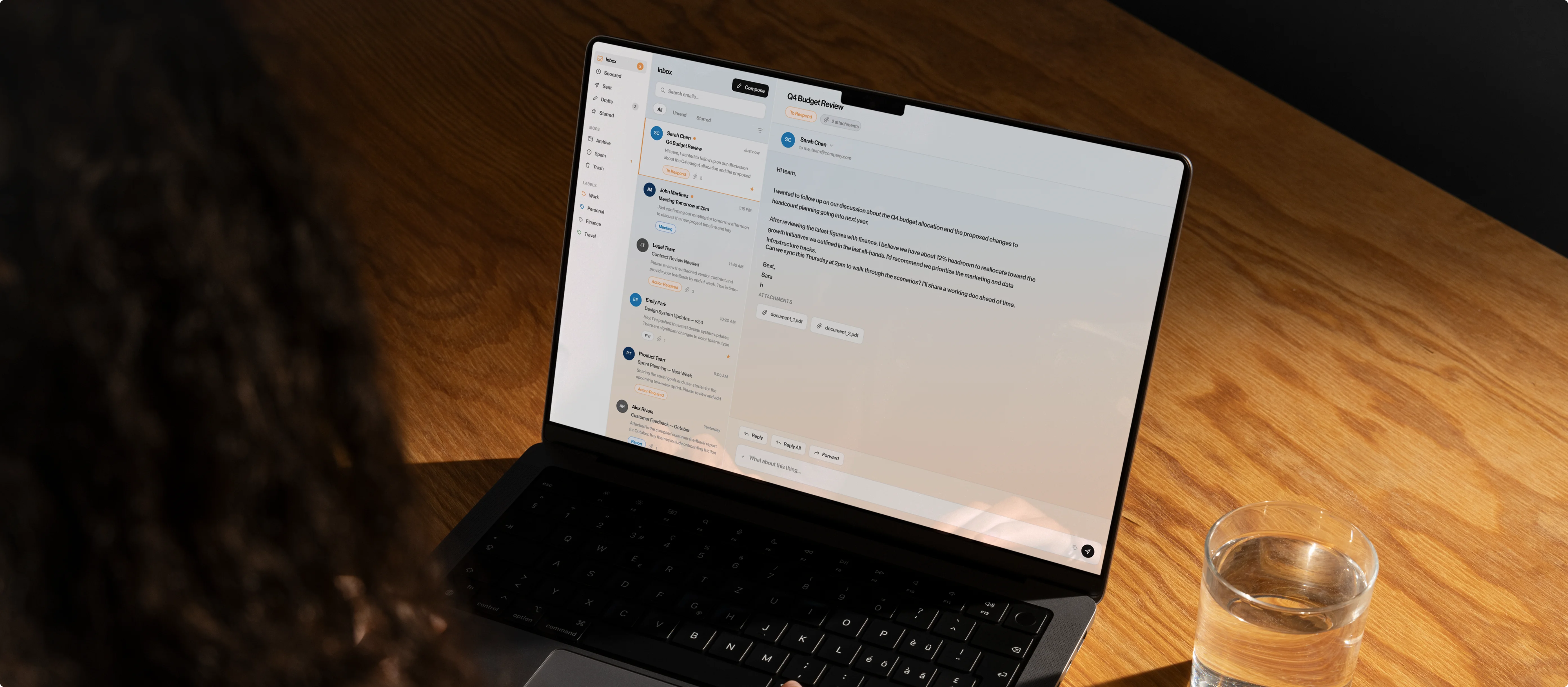
KAI provides accurate, editable replies directly within Microsoft 365 and Google Workspace. It extracts the right context from the entire email thread and drafts responses in your personal writing style. You review, adjust and send.
Your inbox should work for you, not the other way around. With KAI, you no longer have to dig through old email threads searching for information. KAI finds and uses the right context for you. It understands what was decided and what needs to happen next, and uses this information to draft highly accurate replies.
1. Connect
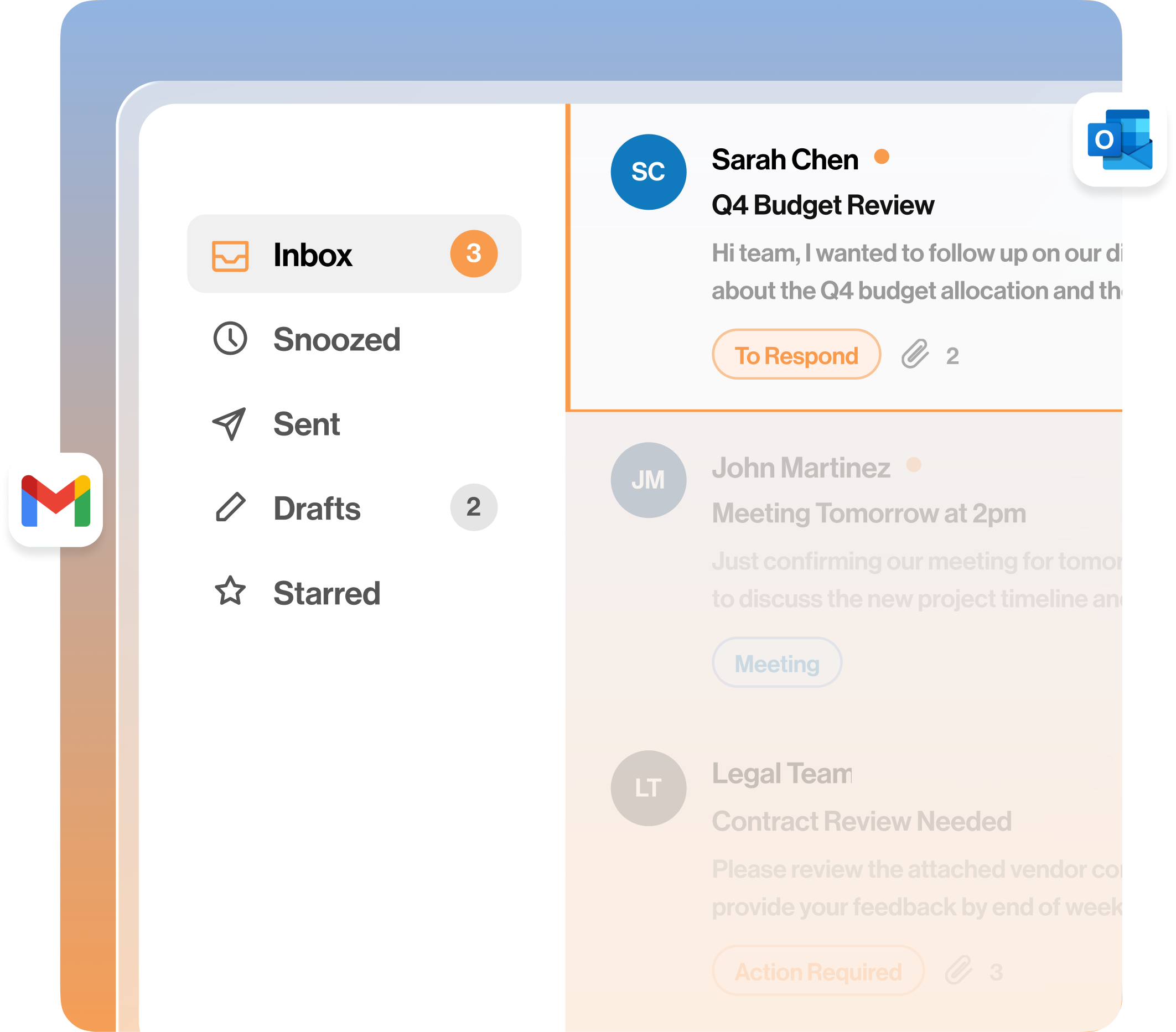
Connect your Microsoft 365 or Google Workspace account within minutes. KAI works directly inside your current inbox. You don’t have to learn a new interface.
2. Gather context
KAI scans the complete email thread, previous conversations and relevant company documentation. Every suggested reply relies on facts and past agreements, never on assumptions.
3. Understand intent
The system recognises exactly what the sender asks and which follow-up action is required. This prevents miscommunication and eliminates unnecessary mistakes.
4. Draft in your personal style
You choose the tone and length of the message. KAI delivers a structured draft that perfectly matches your desired communication style.
5. Review and adjust
You can always review, edit or refine the draft. KAI never sends emails automatically.
6. Send and log
Send the message directly from your own inbox. KAI securely logs agreements and decisions in the background, ensuring an accurate audit trail and smooth team collaboration.
7. Learn and improve
KAI remembers the preferences, vocabulary and workflows of your team. Your draft replies get increasingly accurate over time.
KAI uses the full email thread and your central knowledge base to write a relevant draft immediately. It provides accurate answers with instantly verifiable content.
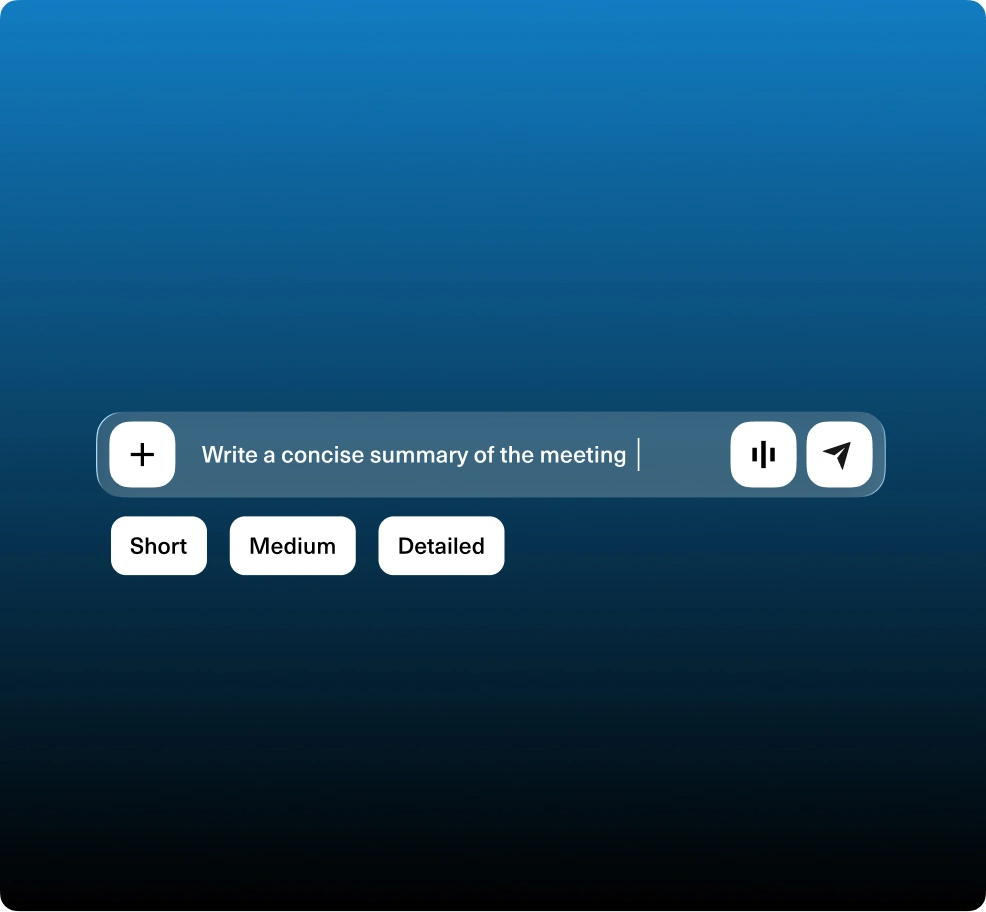
Choose formal, concise, or detailed and determine the right tone for your team. KAI delivers drafts that perfectly align with your specific communication style.
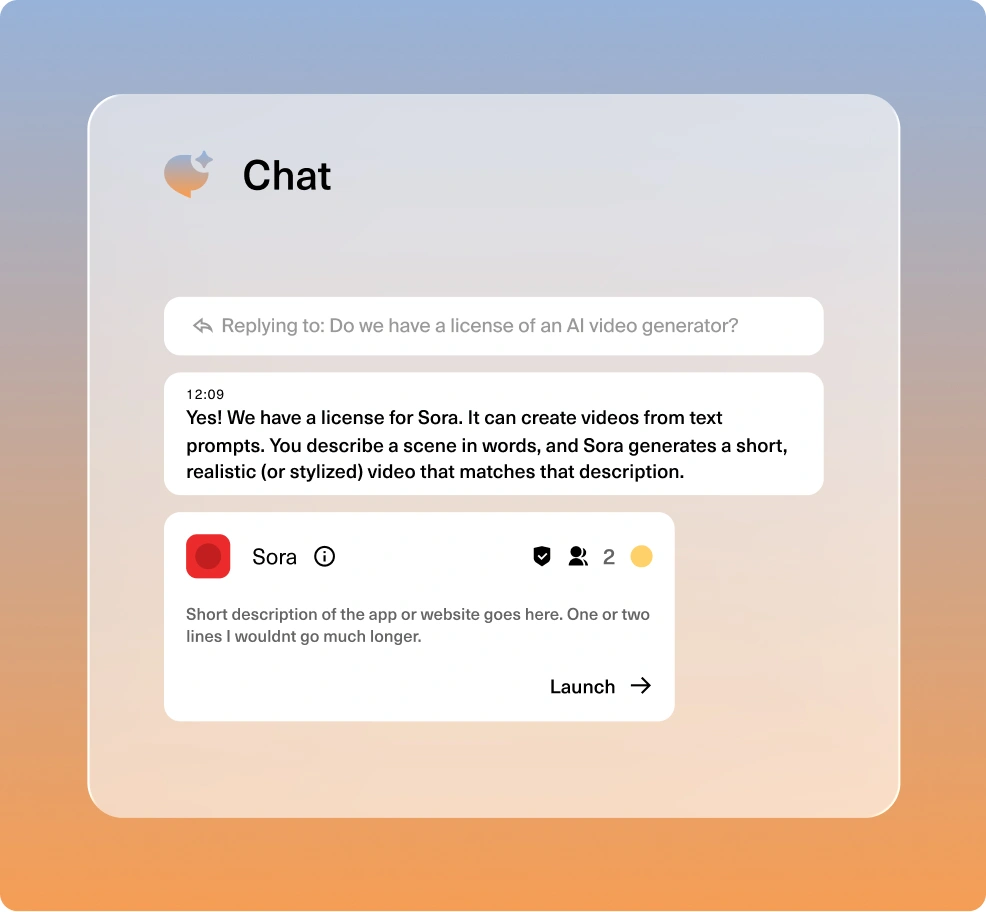
KAI analyses the entire flow of a conversation. The platform correctly references previous decisions and prevents repetition or double-confirming agreements.
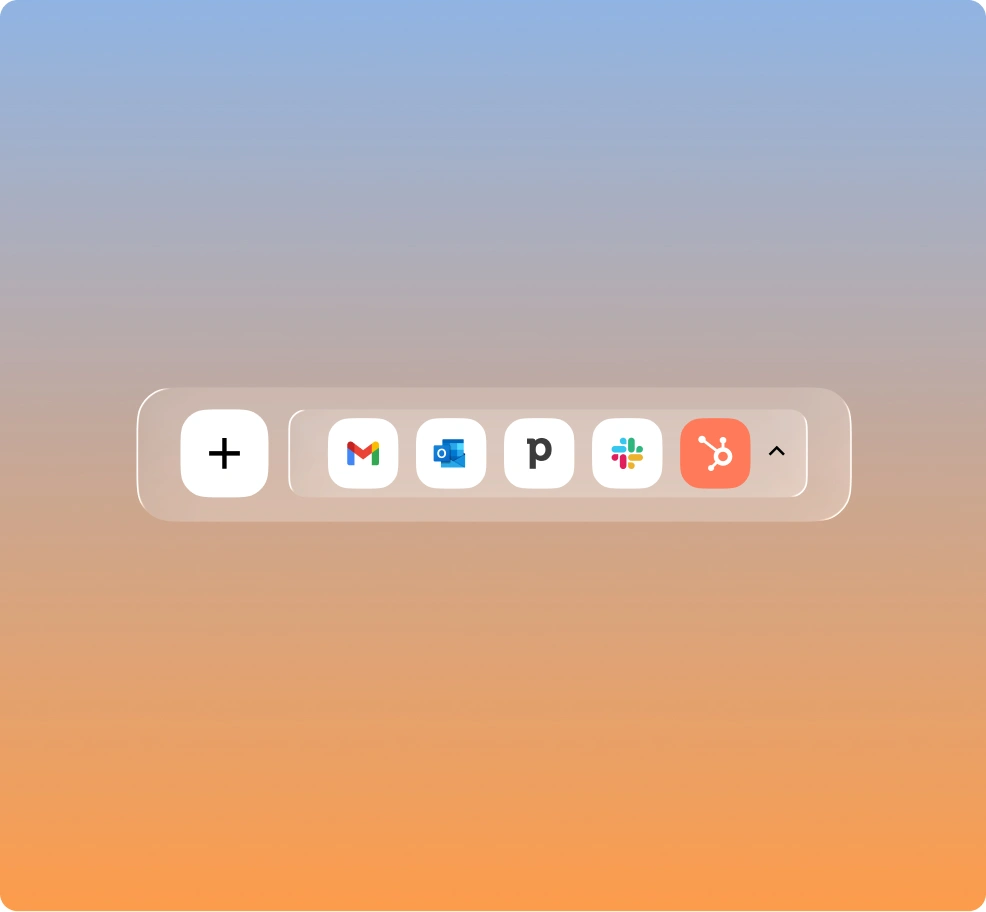
Turn an approved draft directly into an email, Slack message or CRM note, without retyping the text.

Forward sensitive or high-impact replies internally for an extra review. Save successful drafts as reusable templates to ensure consistent external communication.

Drafts remain strictly private until you click send. KAI logs all activities and blocks unauthorised access through role-specific settings. We never use your data for external model training.


"Secure, practical and immediately applicable."
Many AI tools feel experimental. KAI adds immediate value. We use it for summarising board meetings, contract reviews and internal Q&A, all within our European data environment.
James O’Connor
Chief Operating Officer, Healthcare
"Clear visibility and structure."
Before KAI, we had over 40 SaaS tools and no central oversight. Now, team leads have structured access management and shared knowledge bases. It saves a significant amount of time.
Sophie Laurent
IT Manager, Manufacturing Enterprise (120 employees)
"A secure Copilot for the entire company."
Our marketing and finance teams use KAI daily to draft, analyse and retrieve internal information. The system answers general AI queries as well as specific questions about our business. We no longer need separate AI subscriptions.
David Sørensen
Marketing Director, Nordic Retail Group
"Our onboarding time has dropped significantly."
New starters used to spend weeks searching for policies and project files. Thanks to KAI's internal chat, they now find the right answers instantly. It has become a core part of our onboarding process.
Emma Rossi
Head of People & Culture, SaaS Scale-up (65 employees)
"Finally, AI that meets our compliance rules."
As a financial service provider, we cannot use public AI tools. With KAI, our advisors ask questions about complex legislation and client files without leaving our secure environment. Setting granular access rights per employee works perfectly.
Matthias Schneider
Head of Compliance, FinTrust Advisory
"We replaced 3 AI tools and reduced email noise by 30%."
KAI now automatically summarises our email threads and executive meetings. Our team of 42 saves hours per week, especially in operations and HR. The secure EU hosting was a key deciding factor for us.
Laura van Dijk
COO, European Logistics Group






Every plan gives your team instant access to our secure AI workspace. Start with smart automation for your emails and meetings. As your organisation grows, simply expand by adding the knowledge layer.
Monthly
Annual
Save 25%
Free
Starter
Pro
Enterprise
KAI generates secure message drafts for your emails and internal chats. It reads the conversation history and uses your company data to write highly relevant replies. You review the draft, tweak it if needed and hit send.
Yes. You decide the tone: formal, concise or friendly. Admins can also set company-wide tone guidelines to keep cross-team communication consistent.
Yes, KAI can instantly restructure your text. It can shorten lengthy emails, clarify confusing paragraphs, or professionalise informal drafts. You remain the final editor.
Yes. KAI drafts responses in seconds while strictly preserving your original intent. You always review the draft before approving it.