Start free. No credit card needed.
EU-hosted infrastructure · AES-256 encryption · RBAC and Zero Trust architecture

KAI makes company information and documents instantly searchable and always provides the most up-to-date answer. You determine who accesses which information through role-based access control. KAI runs on secure European servers and leverages industry-leading AI models.
Your company knowledge is fragmented across different folders, inboxes and software tools. KAI connects these sources, making information instantly accessible.

Assign a team lead per knowledge base to keep the content up to date. KAI builds a secure AI chat on top of this data, strictly enforcing your access rights.
You decide how your data is structured. Link specific files and folders directly to a team, role, policy, project or client.
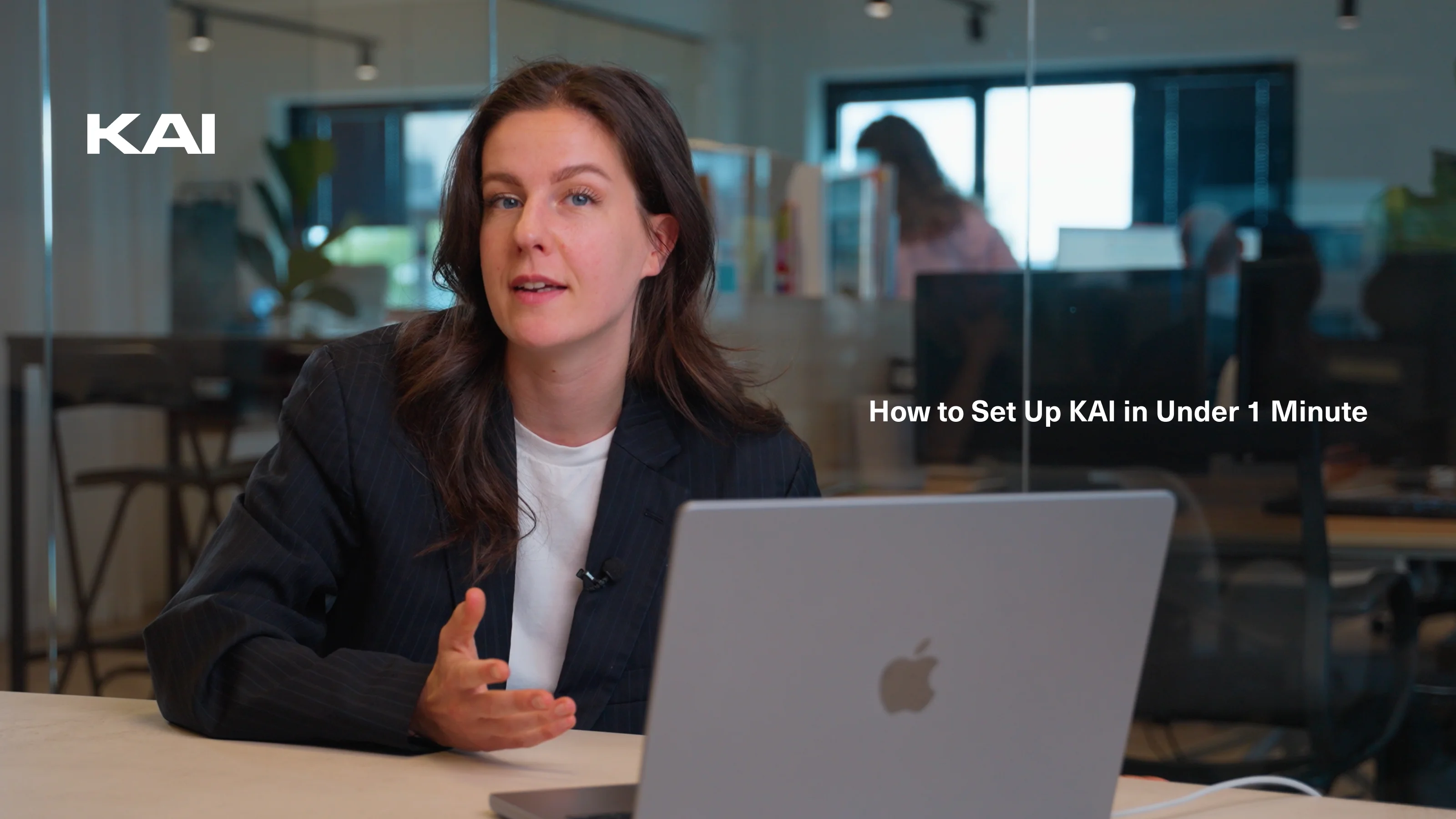
Watch the video to see how to set up a knowledge base, assign it to a team and retrieve your files through a secure AI chat.
Tutorial explains step by step how to make internal data searchable for selected employees.

"Secure, practical and immediately applicable."
Many AI tools feel experimental. KAI adds immediate value. We use it for summarising board meetings, contract reviews and internal Q&A, all within our European data environment.
James O’Connor
Chief Operating Officer, Healthcare
"Clear visibility and structure."
Before KAI, we had over 40 SaaS tools and no central oversight. Now, team leads have structured access management and shared knowledge bases. It saves a significant amount of time.
Sophie Laurent
IT Manager, Manufacturing Enterprise (120 employees)
"A secure Copilot for the entire company."
Our marketing and finance teams use KAI daily to draft, analyse and retrieve internal information. The system answers general AI queries as well as specific questions about our business. We no longer need separate AI subscriptions.
David Sørensen
Marketing Director, Nordic Retail Group
"Our onboarding time has dropped significantly."
New starters used to spend weeks searching for policies and project files. Thanks to KAI's internal chat, they now find the right answers instantly. It has become a core part of our onboarding process.
Emma Rossi
Head of People & Culture, SaaS Scale-up (65 employees)
"Finally, AI that meets our compliance rules."
As a financial service provider, we cannot use public AI tools. With KAI, our advisors ask questions about complex legislation and client files without leaving our secure environment. Setting granular access rights per employee works perfectly.
Matthias Schneider
Head of Compliance, FinTrust Advisory
"We replaced 3 AI tools and reduced email noise by 30%."
KAI now automatically summarises our email threads and executive meetings. Our team of 42 saves hours per week, especially in operations and HR. The secure EU hosting was a key deciding factor for us.
Laura van Dijk
COO, European Logistics Group







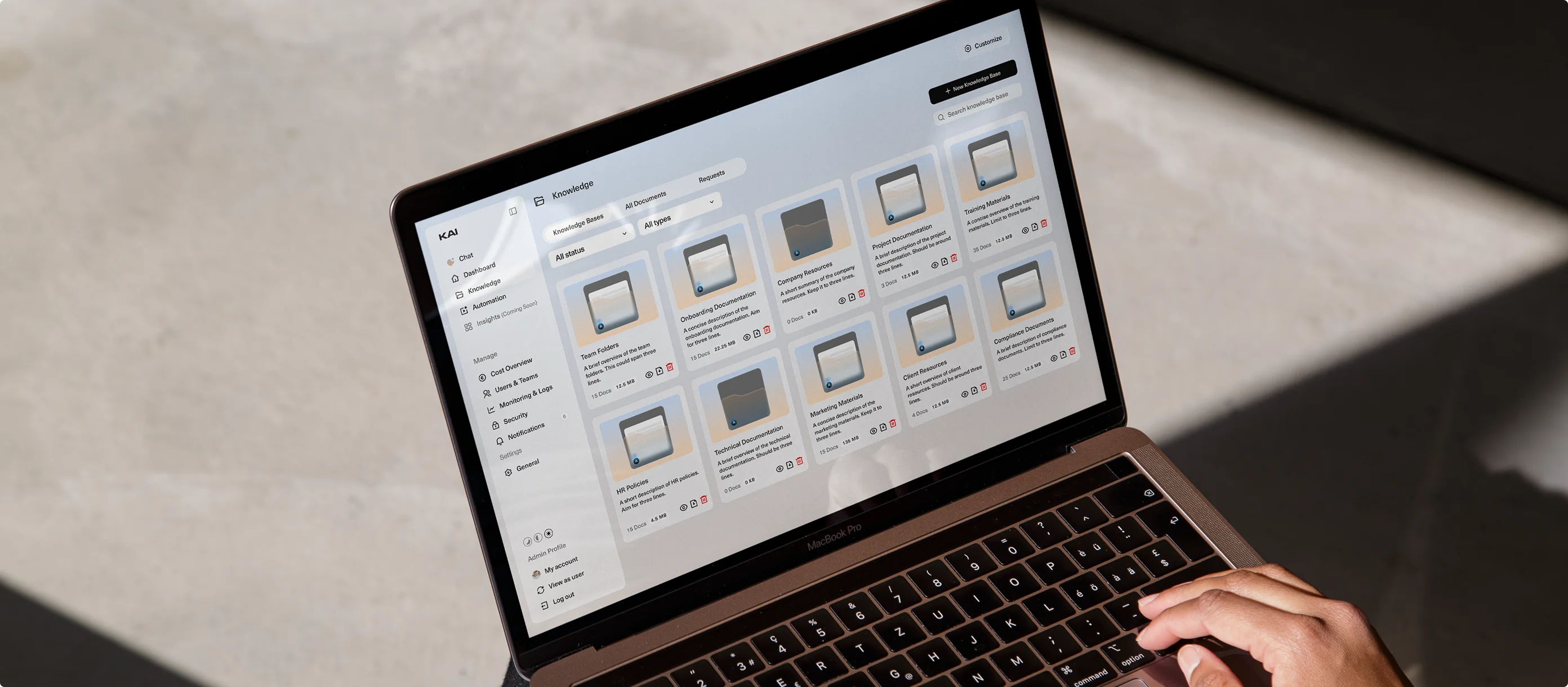
Create a workspace and add your files. Upload PDFs, Word documents, Excel sheets, slide decks, policies, contracts, onboarding manuals, client documentation and more. Easily connect your existing folders via Microsoft 365, Google Drive, or Notion.
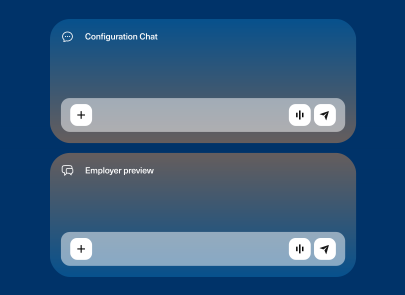
Organise and manage what is searchable. Build knowledge bases per team, department, client, or topic. Tag the content and assign administrators. Configure access rights so employees can only see information authorised for their role.
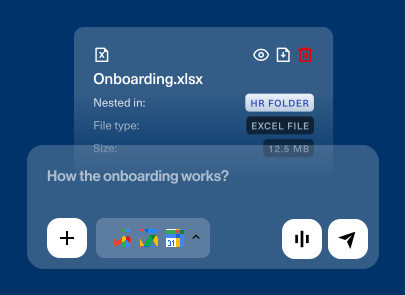
Turn static files into instant answers. Ask your question in the KAI chat or search the knowledge base. Every answer displays the specific source reference, allowing your teams to verify and apply the data immediately.
Every plan gives your team instant access to our secure AI workspace. Start with smart automation for your emails and meetings. As your organisation grows, simply expand by adding the knowledge layer.
Monthly
Annual
Save 25%
Free
Starter
Pro
Enterprise
The knowledge layer connects all your company data in one secure environment. KAI turns internal documents and systems into an instantly searchable database. Every AI answer includes a direct source link. The system strictly enforces your existing access permissions.
Connect folders, files, HR policies, project documentation, shared drives, internal guidelines and templates. You can also include email threads by configuring the appropriate access rights.
Yes. KAI integrates directly with:
Yes. You can build separate knowledge bases for specific departments (like HR, IT or Finance) or temporary project teams. Admins then use role-based access control (RBAC) to determine exactly who can search or view specific content.